
Meet VseeBox
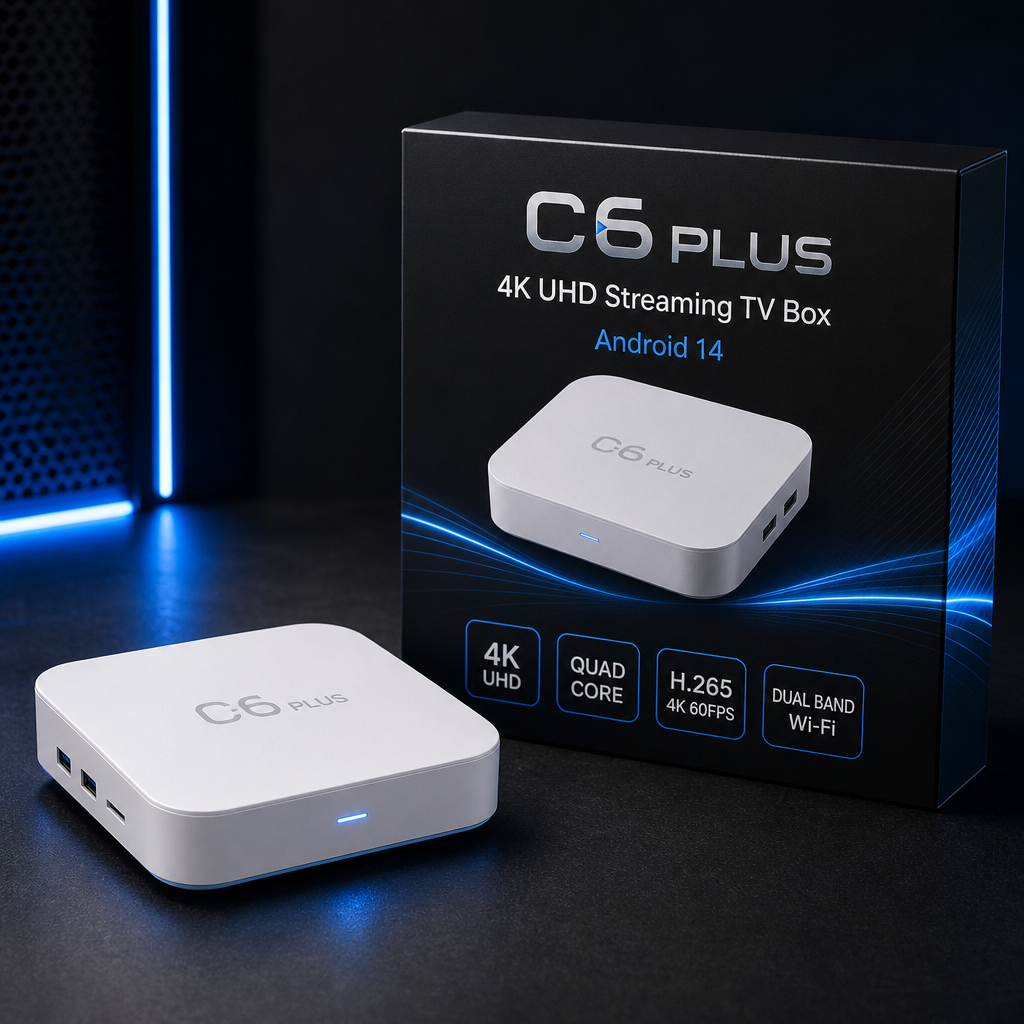
A plug-and-play Android streaming TV box that connects to your TV via HDMI. Turn any HDMI television into a smart screen for your favourite apps, with smooth everyday 4K playback.
Built for your living room
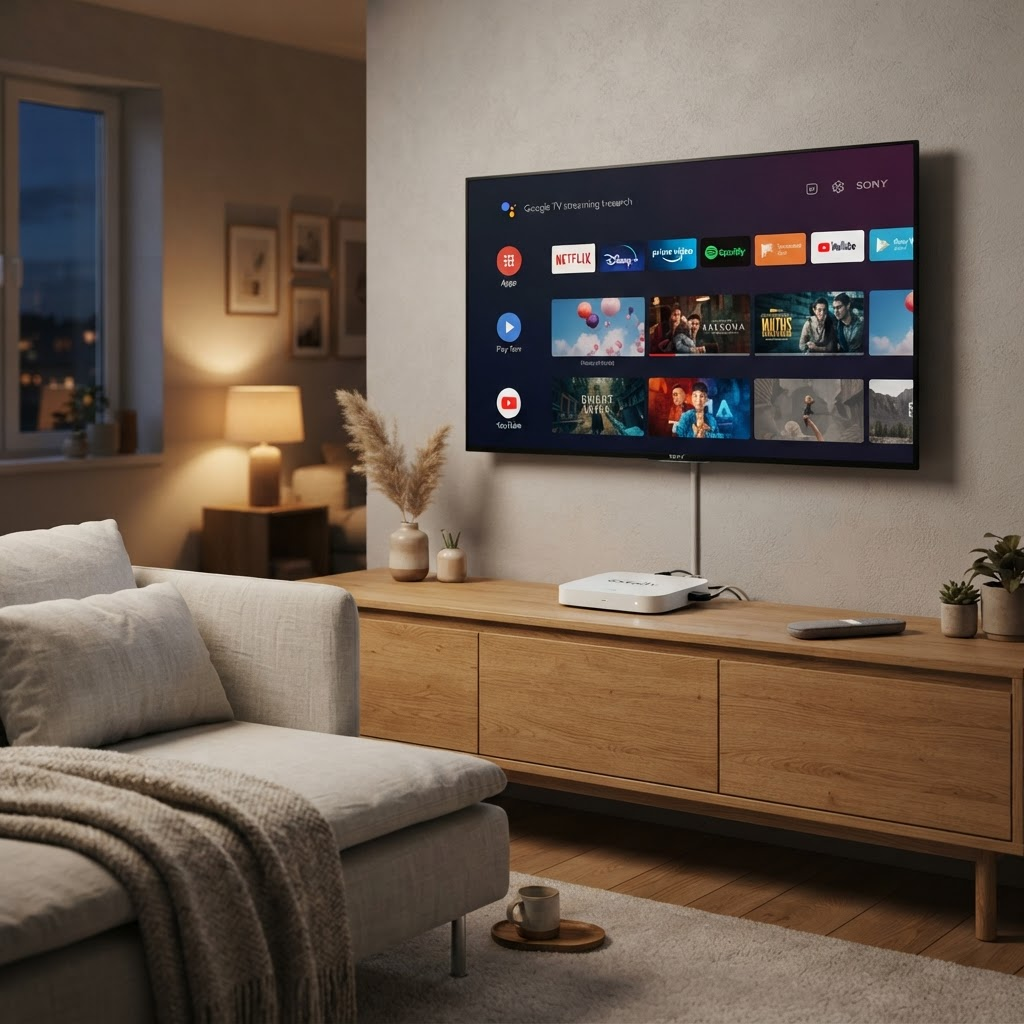
VseeBox sits neatly beside your TV and connects with a single HDMI cable. Once it is set up, you can browse and open your installed apps from the comfort of your sofa using the included remote.
The compact design fits any media console, and the low-power hardware is made to stay on standby, ready whenever you want to watch.
Everything you need to stream
VseeBox focuses on the essentials of a good streaming experience: a familiar system, smooth playback, and reliable connectivity.
Android System
A familiar Android interface for browsing and opening your streaming apps on the big screen.
Smooth 4K Playback
4K UHD output with H.265 / HEVC decoding for clear everyday video on any HDMI TV.
Dual-band Wi-Fi
2.4G / 5G wireless plus a wired LAN port and Bluetooth 5.0 for a stable connection.
Plug and Play
Connect via HDMI, join your network, and start streaming in three simple steps.
All the ports you expect
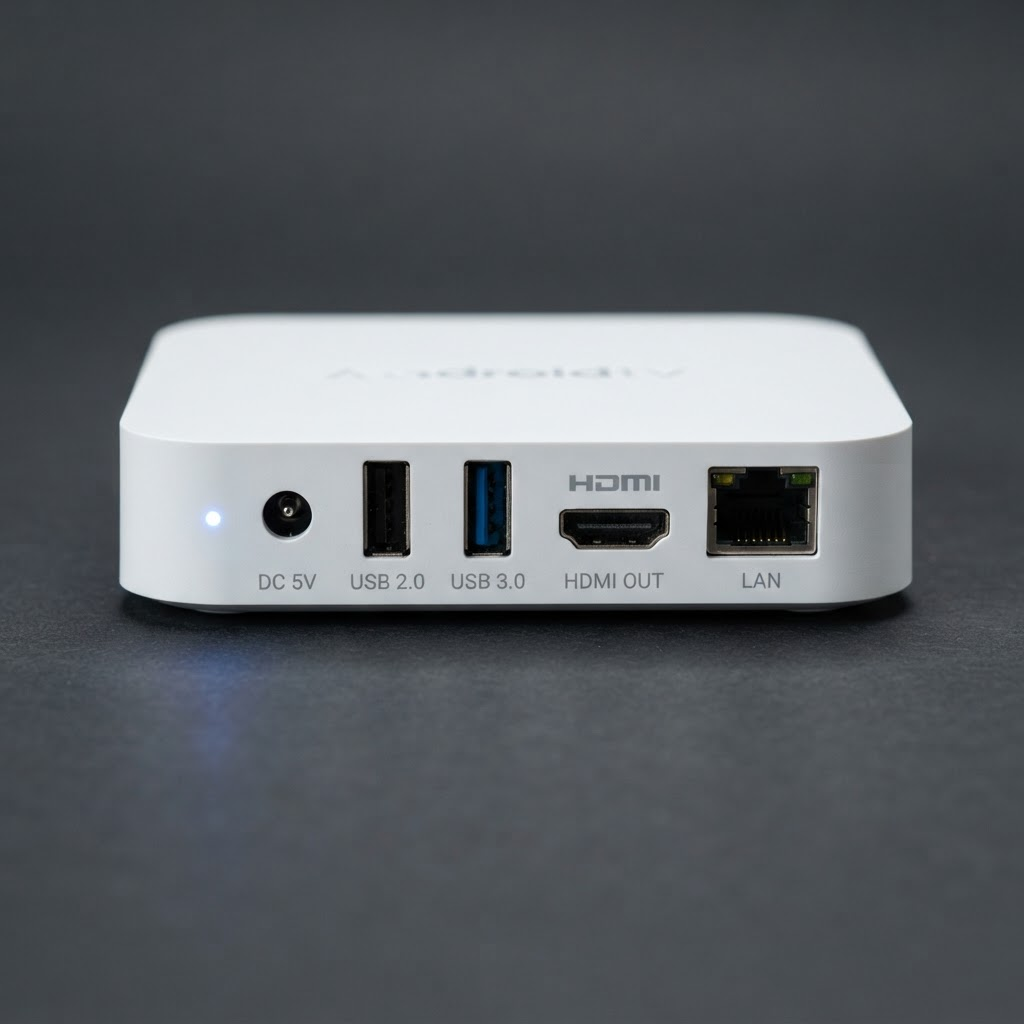
Connect over dual-band Wi-Fi or plug in the 10/100M LAN port for a wired connection. HDMI carries up to 4K UHD video to your TV, while two USB 2.0 ports let you attach storage or accessories.
- HDMI output, up to 4K UHD
- 2.4G / 5G dual-band Wi-Fi
- 10/100M wired LAN port
- 2x USB 2.0 and AV output
Technical specifications
The basic hardware details of the VseeBox device.
System
- Operating system
- Android
- CPU
- Quad-core 64-bit ARM Cortex A55
- GPU
- Mali450
- RAM
- 4GB DDR
- Storage
- 64GB ROM
Video & Playback
- Resolution
- 4K UHD output support
- Video decoding
- H.265 / HEVC, up to 4K 60fps
- Video output
- HDMI, up to 4K UHD
Connectivity
- Wi-Fi
- IEEE 802.11 a/b/g/n/ac, 2.4G/5G dual-band
- Bluetooth
- 5.0
- Ethernet
- 10/100M LAN port
Ports & Power
- USB
- 2x USB 2.0
- Audio / Video
- AV composite output
- Power
- DC jack, 12V / 1A
Set up in three steps
No technical knowledge required. VseeBox works out of the box.
Plug into HDMI
Connect VseeBox to any TV with an HDMI port and plug in the power adapter.
Connect to the internet
Join your 2.4G / 5G Wi-Fi network, or use the LAN port for a wired connection.
Start streaming
Open an app on the box and press play on your TV.